
Relive Classic DOS Gaming on iOS
Is iDOS compatible with all iOS devices?
Compatibility is limited to devices that meet the minimum requirement of an iPhone 3GS. Performance may vary on older models, and newer devices may not be officially supported.
Can I add my own DOS games to iDOS?
iTunes file sharing has been disabled, which limits the ability to add custom DOS programs. The app currently only includes six pre-installed games.
Is iDOS safe to download and use?
As a free iOS app from a known developer, iDOS is distributed through official channels and does not require jailbreaking. It poses no known security risks when downloaded from trusted sources.
Does iDOS require an internet connection?
No, iDOS operates entirely offline. All games and features are stored locally on the device, making it usable without an internet connection.
What kind of controls does iDOS offer?
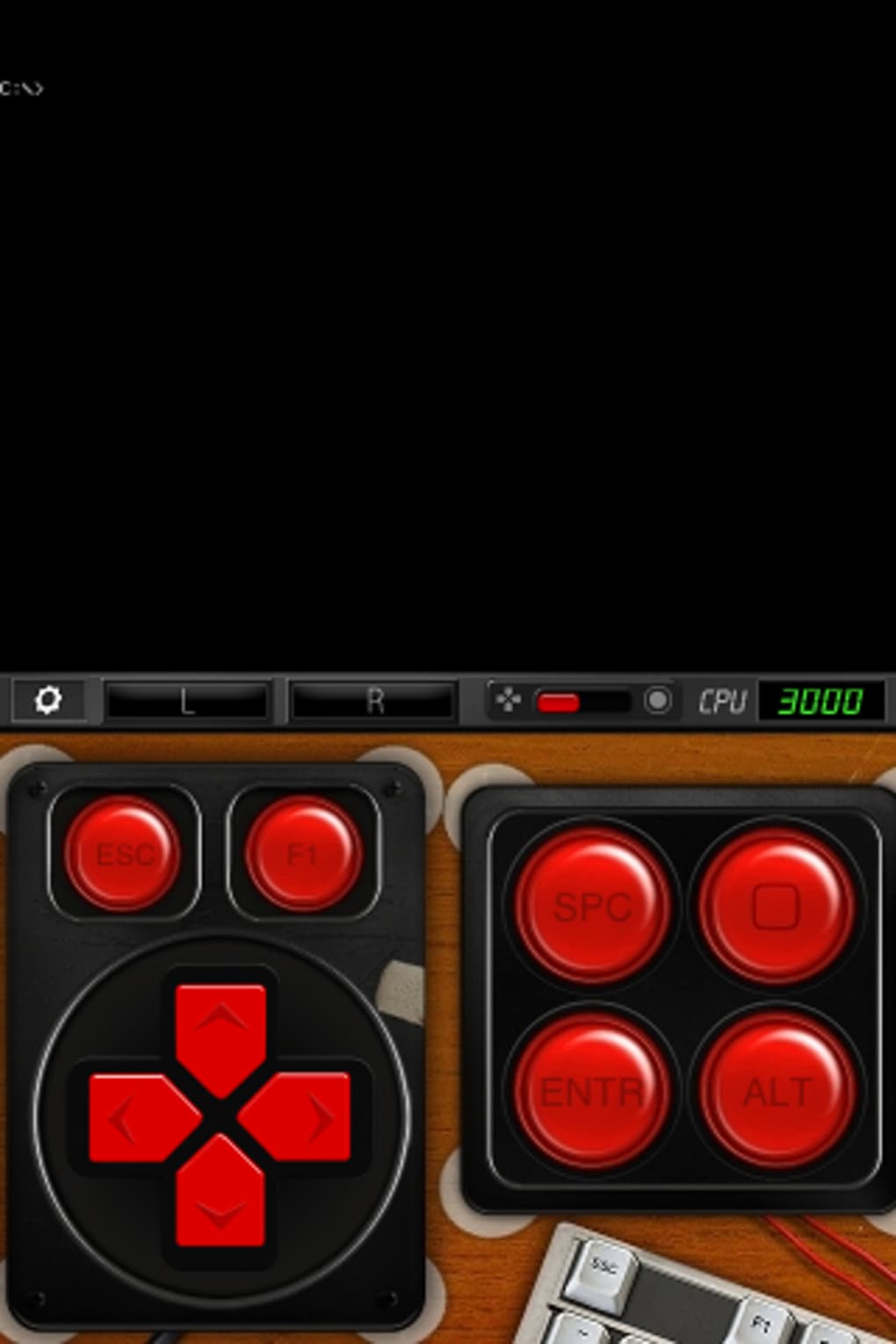
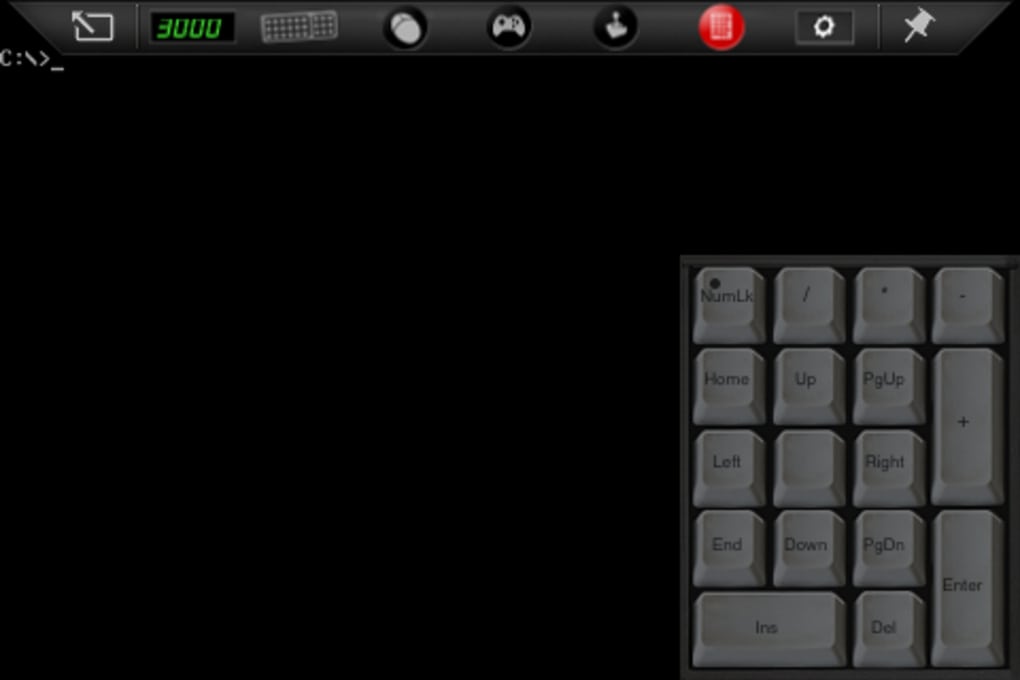
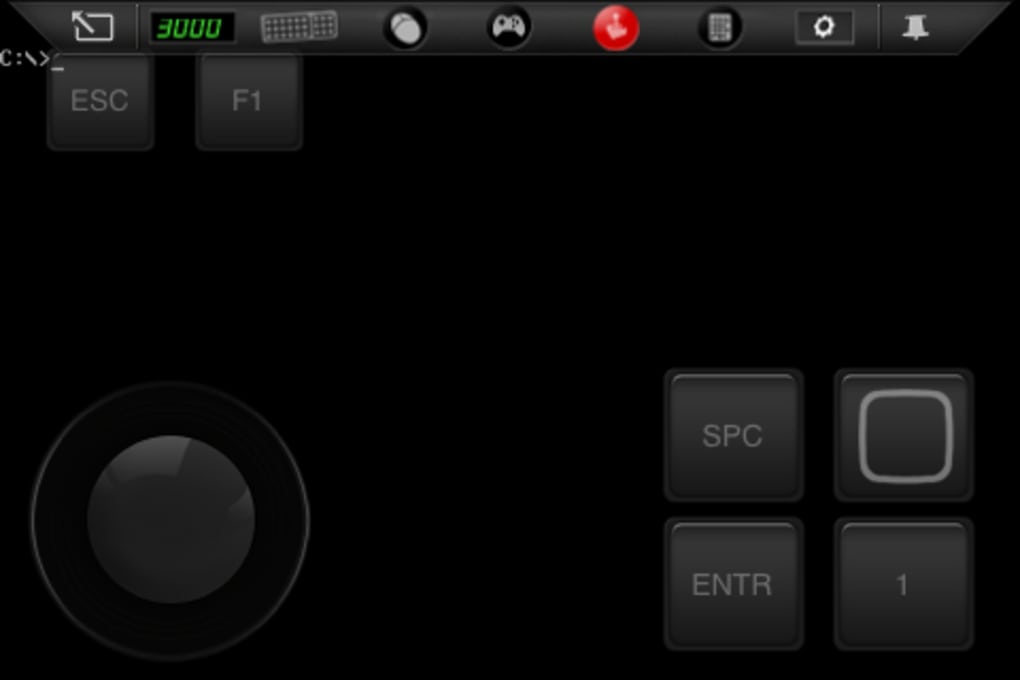
The app supports multiple input methods, including a floating PC keyboard, virtual joypad, joystick, and mouse control. However, these virtual controls are not ideal for precise gameplay.
Overview
iDOS is a desktop-style emulator designed for iOS devices, offering users a curated experience of early PC gaming through classic DOS titles. The software enables access to six pre-installed games, including the landmark title Wolfenstein 3D, allowing enthusiasts to explore the roots of first-person shooters and retro gaming. Targeted primarily at nostalgic users and casual retro gamers, iDOS serves as a lightweight gateway into the DOS era of computing and gaming.
The developer did not provide additional details about their background or development history. Real-world usage scenarios include casual gaming sessions, educational exploration of vintage software, and brief experimentation with historical computing environments. While the app is free to download and use, its limited scope and outdated gameplay may restrict long-term engagement for modern users.
Key Features & Capabilities
- Pre-installed DOS Games Library – Includes six classic titles, with Wolfenstein 3D as a highlight, offering access to foundational PC games from the 1990s.
- DOS Command Line Interface – Provides a command screen for users who wish to experience authentic DOS environments, appealing to purists and retro computing enthusiasts.
- Multiple Input Methods – Supports floating PC keyboard, virtual joypad, joystick, and mouse controls for gameplay flexibility.
- Offline Operation – All games and features run without requiring an internet connection, ensuring consistent performance in any environment.
- Minimal System Requirements – Designed to run on devices as old as the iPhone 3GS, making it accessible on older iOS hardware.
These features allow users to engage with vintage software in a way that mirrors original PC experiences. The command line interface, for instance, enables users to type basic DOS commands, enhancing authenticity. The ability to switch between control types supports different play styles, though the virtual controls are not optimized for precision. Offline functionality ensures that users can enjoy the games anytime, anywhere, without data dependency. While the selection is small, it offers a focused glimpse into early PC gaming culture.
User Interface, Workflow & Performance
The user interface of iDOS is structured around a central game library and a simulated DOS environment. Navigation is straightforward, with games accessible through a simple list view. The workflow begins with launching the app, selecting a game, and choosing a control method before starting play.
The interface maintains a retro aesthetic, aligning with the nostalgic theme. Ease of use is moderate—while the app is functional, the lack of on-screen guidance or tutorials may hinder first-time users unfamiliar with DOS commands. Performance observations are based on general software behavior patterns.
The developer did not specify resource usage details, but the app’s 24.7 MB size suggests minimal storage impact. On older devices like the iPhone 3GS, games may experience occasional slowdown, indicating potential performance limitations under certain conditions.
Compatibility & System Requirements
iDOS is designed for iOS devices and requires at least an iPhone 3GS to run. The app’s installation size is 24.7 MB, which is relatively small and suitable for devices with limited storage. The developer did not provide additional system requirements, including RAM or CPU specifications.
Compatibility information was partially provided, and support for newer iOS versions or devices beyond the iPhone 3GS is not confirmed. Users should verify compatibility with their specific device model and iOS version before installation. The absence of iTunes file sharing limits customization, which may affect users seeking to expand the game library.
Pros and Cons
Pros
- Free to download and use with no in-app purchases
- Offers authentic DOS command-line access for retro computing enthusiasts
- Includes well-known classic games like Wolfenstein 3D
- Runs offline without requiring internet connectivity
- Minimal storage footprint at 24.7 MB
Cons
- Disabled iTunes file sharing limits game customization
- Virtual controls are not optimized for precise gameplay
- Only six games included, with limited variety
- Performance may lag on older devices
- Outdated gameplay may not appeal to modern audiences
Final Thoughts + CTA
iDOS delivers a niche but authentic experience for users interested in the early days of PC gaming. While its limited game library, outdated controls, and lack of customization options prevent it from being a comprehensive emulator, it serves as a functional gateway to retro DOS titles on iOS. The inclusion of the DOS command line and pre-installed classics like Wolfenstein 3D adds historical value.
However, the app’s performance on older hardware and the absence of file sharing may frustrate more advanced users. For casual explorers and nostalgic gamers seeking a simple way to test vintage software, iDOS remains a viable option. Download iDOS now.







